Kader
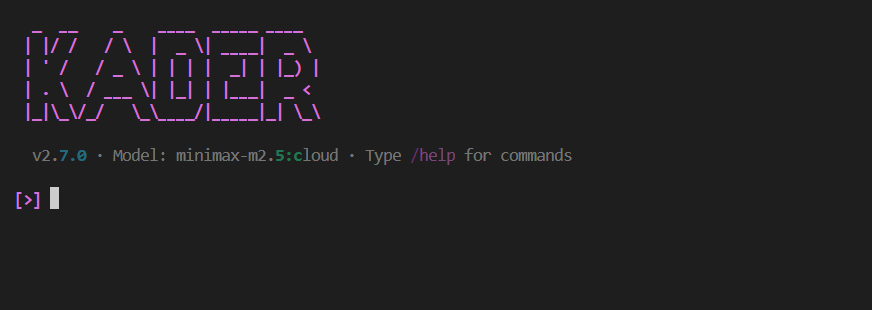
Kader is an intelligent coding agent designed to assist with software development tasks. It provides a comprehensive framework for building AI-powered agents with advanced reasoning capabilities and tool integration.
Features
- AI-powered Code Assistance - Support for multiple LLM providers:
- Ollama: Local LLM execution for privacy and speed.
- Google Gemini: Cloud-based powerful models via the Google GenAI SDK.
- Anthropic: High-quality Claude models via the Anthropic SDK.
- Mistral: Mistral AI models for cloud inference.
- OpenAI-Compatible: Connect to OpenAI, Groq, OpenRouter, Moonshot AI, and more.
- Interactive CLI - Modern terminal interface built with Rich & prompt_toolkit
- Core CLI - Lightweight command-line tool for one-shot operations (
chat,init,model,sessions,update,connect) - Tool Integration - File system, command execution, web search, and more
- Memory Management - State persistence, conversation history, and isolated sub-agent memory
- Callback System - Hook into agent execution for logging, monitoring, and modification
- Planner-Executor Framework - Sophisticated reasoning and acting architecture
- Agent Skills - Modular skill system for specialized domain knowledge
Quick Links
- Getting Started Guide - Installation and basic usage
- Core Framework - Framework documentation for developers
- CLI Reference - Command-line interface documentation
- Configuration - Environment variables and YAML config
Installation
# Using uv tool (recommended - installs globally)
uv tool install kader

# Run the interactive CLI
kader

# Run one-shot commands
kader chat -q "Write a hello world in Python"
kader init
kader model
kader sessions
kader update
kader connect

# Or clone and run directly
git clone https://github.com/Kader-AI-hub/kader.git
cd kader
uv sync

# Run the CLI
uv run python -m cli
Project Structure
kader/
├── cli/                    # Interactive command-line interface
├── examples/              # Example implementations
├── kader/                 # Core framework
│   ├── agent/            # Agent implementations
│   ├── callbacks/       # Callback system for agent lifecycle hooks
│   ├── cli/             # Core CLI (kader command-line interface)
│   ├── memory/          # Memory management
│   ├── providers/       # LLM providers
│   ├── prompts/         # Prompt templates
│   ├── tools/           # Tools
│   ├── workflows/       # Workflow executors
│   └── utils/           # Utilities
└── docs/                 # Documentation
License
MIT License - see LICENSE file for details.